How to import files using SFTP


Download and install FileZilla: Download the FileZilla Client and install it on your computer.
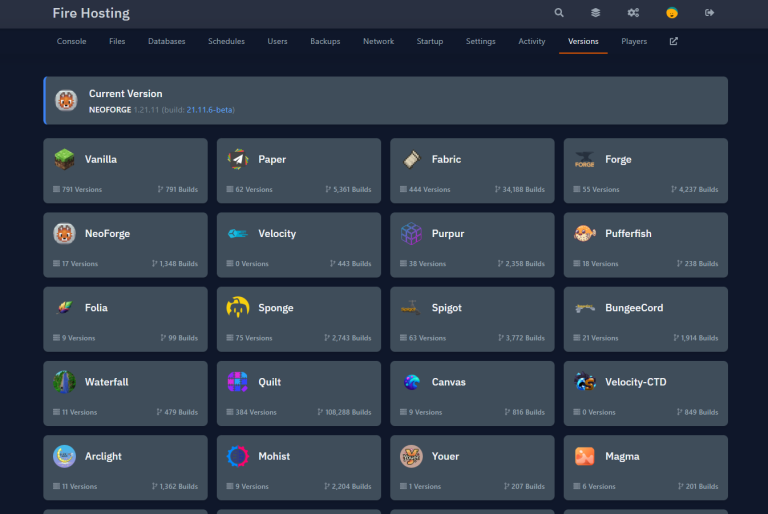
Find your SFTP details: Open your game panel dashboard, select your server, and go to the Settings tab.
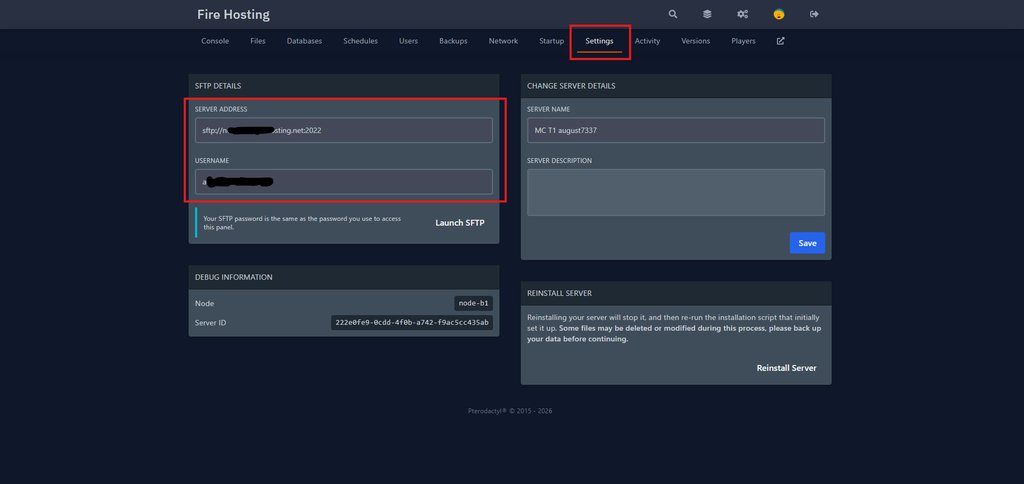
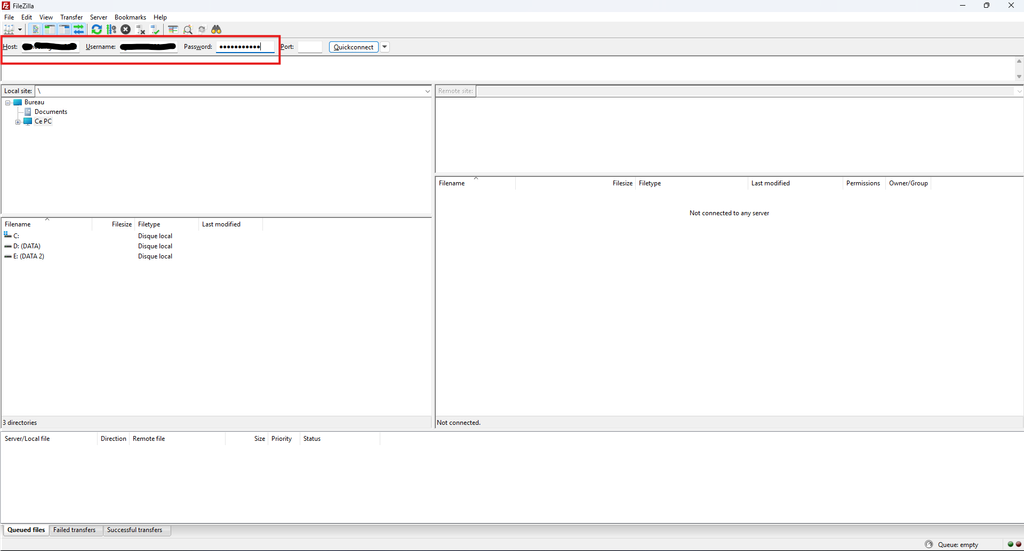
Enter your credentials in FileZilla: Copy the connection details from the panel into the top bar of FileZilla:
- Host: Paste the Server Address from the panel (starts with
sftp://). - Username: Paste your Username from the panel.
- Password: Enter the password you use to log into your panel account.
- Port: Leave this blank (it will auto-fill from the Server Address), or enter
2022
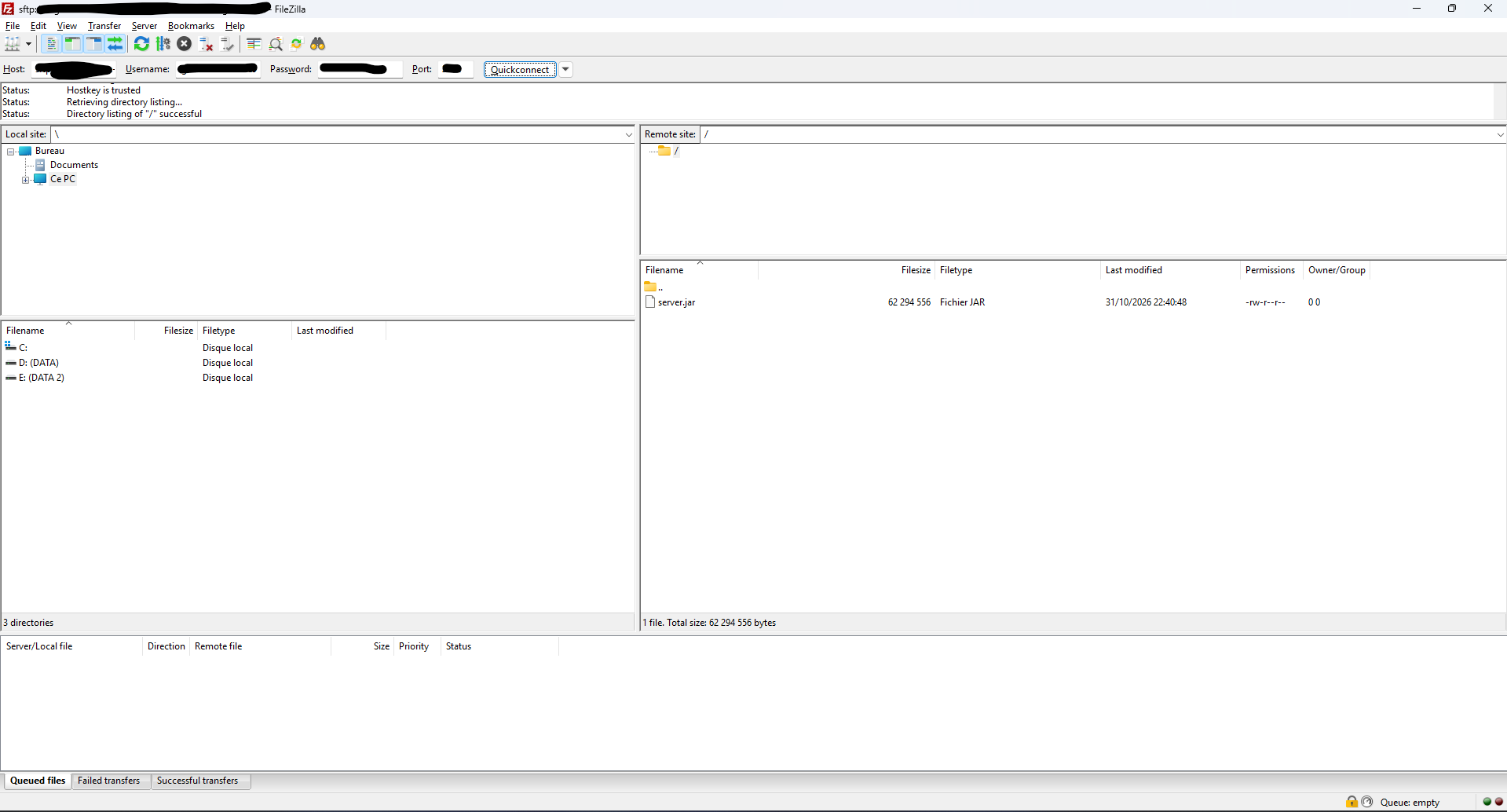
Connect to the server: Click the Quickconnect button. (If a pop-up appears asking about an “Unknown host key”, simply check “Always trust this host” and click OK).
Transfer your files: Once connected, you will see your computer’s files on the left side and your server’s files on the right side. You can now easily drag and drop files between your computer and your server.